Jul 6, 2026FLASH TEAMEst. Read: 29 min

iptv on apple tv 2026: complete setup, best apps & optimization guide

IPTV on Apple TV 2026 — Complete Setup, Best Apps & Optimization Guide
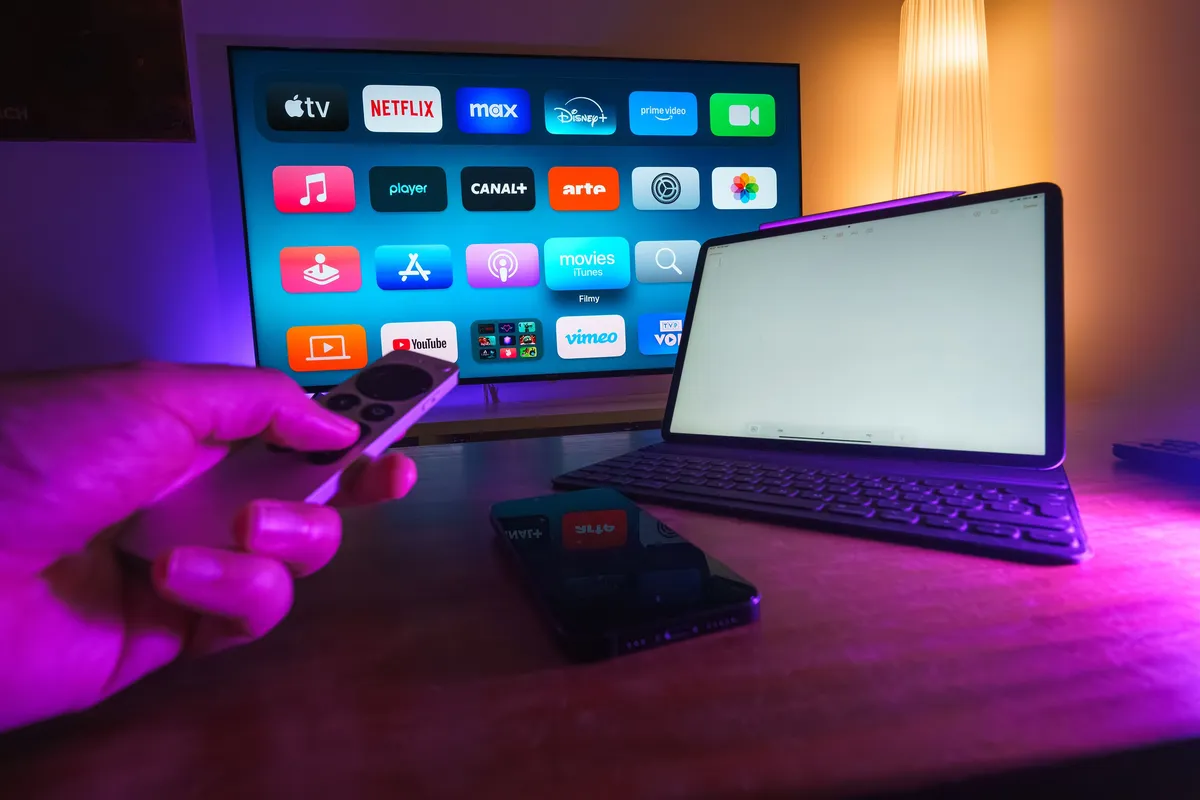
Home entertainment setup with a smart TV displaying streaming apps, a tablet, and a smartphone on a coffee table, representing the Apple TV IPTV streaming experience across multiple devices

1. why apple tv for iptv in 2026

the apple tv 4k has quietly become one of the most compelling devices for iptv streaming, yet it remains one of the most misunderstood. while android-based streaming boxes dominate the conversation around iptv — thanks to their open ecosystem, usb storage support, and apps like tivimate — the apple tv offers a fundamentally different experience that many users prefer. the question is not whether apple tv can handle iptv, but rather how to configure it correctly for the best possible experience with flash 4k iptv.

the appeal of apple tv starts with hardware. the latest apple tv 4k (3rd generation, 2022) is powered by the a15 bionic chip — the same processor found in the iphone 13 series — delivering exceptional video decoding performance. this chip includes a dedicated media engine that handles hardware-accelerated decoding of hevc, h.264, and mpeg-4 video, which covers virtually every iptv stream format in use today. the result is silky-smooth playback of 4k hdr content with minimal power consumption and no fan noise, since the a15 runs cool enough for passive cooling.

from a user experience perspective, tvos offers advantages that android tv has struggled to match. the interface is fluid and responsive, app switching is instant, and the siri remote provides precise navigation through channel lists and electronic program guides. the apple ecosystem integration is another significant benefit — you can start watching on your iphone using the flash 4k iptv app and seamlessly hand off playback to your apple tv using airplay, or use your ipad as a second screen for multi-tasking while the main broadcast plays on the television.

this guide covers everything you need to know about using flash 4k iptv on apple tv. we walk through the best apps available on the tvos app store, explain how to set up your subscription using xtream codes api or m3u urls, cover sideloading options for third-party apps, detail airplay and screen mirroring techniques, and provide network optimization steps tailored to apple tv hardware. whether you already own an apple tv and want to optimize it for iptv, or you are deciding between an apple tv and an android box for your streaming setup, this guide has you covered.
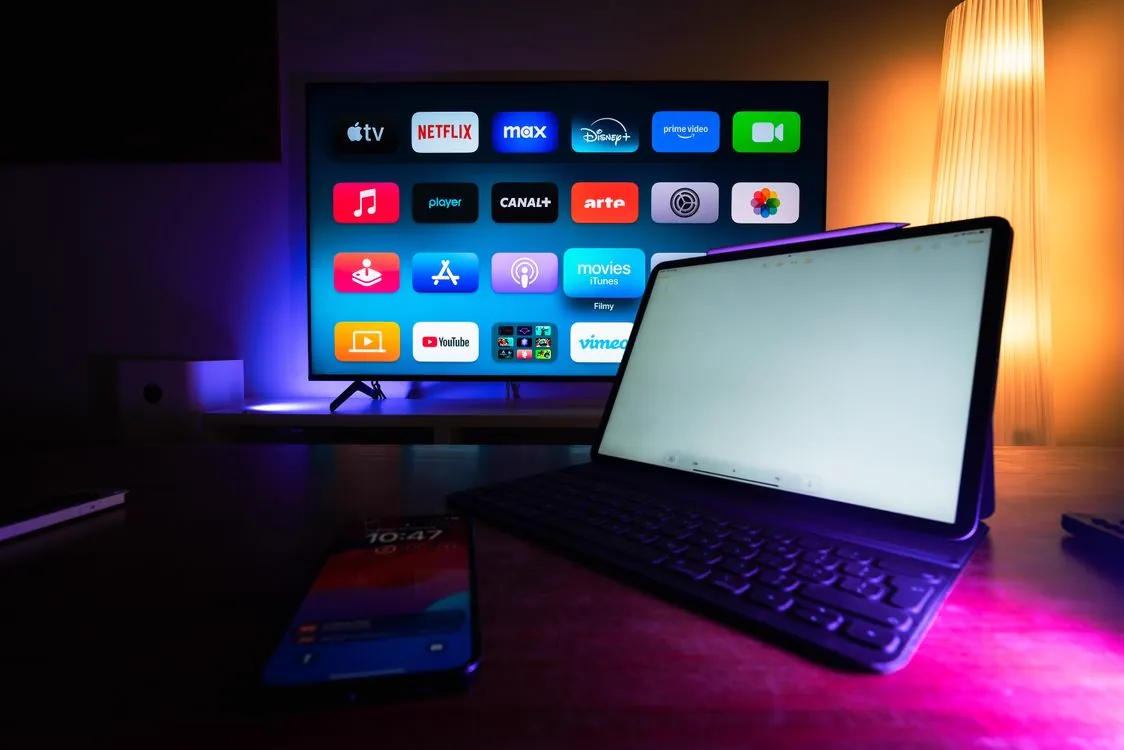
Apple TV 4K device connected to a home entertainment system with smart devices and streaming apps interface on a nearby tablet

2. apple tv 4k vs android tv — key differences for iptv

choosing between apple tv and android tv for iptv is not about which is objectively better, but which aligns with your specific needs. each platform has architectural differences that affect how iptv apps function, how you manage content, and what features are available. understanding these differences helps you make an informed decision — or configure your apple tv to compensate for its limitations.

the most significant difference is storage and peripheral support. android tv boxes typically include usb ports that allow you to connect external storage drives for dvr recording, media playback, and app data. apple tv has no usb port — the 3rd generation model removed the usb-c service port entirely, leaving only the power cord and hdmi connection. this means you cannot connect a usb drive to record iptv streams locally. if dvr recording is essential to your setup, android tv remains the superior platform. however, apple tv supports network-attached storage (nas) streaming via apps like infuse or plex, and you can record to a nas if your iptv app supports network recording targets.

app ecosystem is another critical distinction. the tvos app store is curated by apple, which means fewer iptv apps are available compared to the google play store. however, the apps that do exist for tvos — iptv smarters pro, istb, iplaytv, gse smart iptv — are generally well-optimized and stable. android tv offers more choices including tivimate, which is widely considered the gold standard for iptv playback, but some of these apps are sideloaded rather than officially distributed. on apple tv, you cannot sideload android apps, but you can sideload third-party tvos apps using xcode or altstore if they are not available on the app store.

video processing is where apple tv excels. the a15 bionic chip includes advanced video post-processing features like frame rate matching, dynamic range matching, and chroma enhancement that android boxes often lack. when you enable "match content" in tvos settings — which automatically adjusts the display refresh rate to match the video source — flash 4k iptv streams playback at their native frame rate, eliminating the judder that occurs when 50 fps pal content is played back on a 60 hz display. this is particularly noticeable for sports and live events, where smooth motion is critical.

Feature Apple TV 4K (2022) Android TV Box (Shield / Generic)
Processor A15 Bionic with dedicated media engine Tegra X1+ (Shield) or RK3588 / S905X4 (generic)
USB Storage Not supported (no USB ports) Supported — USB 3.0 for DVR recording
Best IPTV App iSTB, iPlayTV, GSE SMART IPTV TiviMate (gold standard)
Multi-View Limited (PiP in iSTB only) Full multi-view (up to 4 streams in TiviMate)
Frame Rate Matching Excellent — Match Content feature Variable — depends on device and app
AirPlay Native AirPlay 2 receiver Not supported natively
App Sideloading Requires Xcode/AltStore (7-day refresh) Simple APK sideloading via USB or file manager
DVR Recording Cloud or NAS only (no local USB storage) Local USB, NAS, or cloud recording

the bottom line: apple tv is the better choice if you prioritize video quality, ecosystem integration, and a polished interface. android tv is better if you need local dvr recording, multi-screen viewing, or the widest selection of iptv apps. many households use both — an android box for the main living room with recording capability, and an apple tv for a secondary screen where the polished experience matters more. for a detailed comparison of streaming hardware, read our top 10 android tv boxes 2026 guide.
Modern smart TV control equipment with remote control and streaming device on a table for IPTV viewing

3. best iptv apps for apple tv in 2026

the tvos app store does not have the sheer volume of iptv apps that the google play store offers, but the apps that are available are polished, stable, and purpose-built for the platform. the key difference from android is that you are more likely to use apps downloaded directly from the app store rather than sideloaded ones, which means automatic updates, sandboxed security, and guaranteed compatibility with the latest version of tvos.
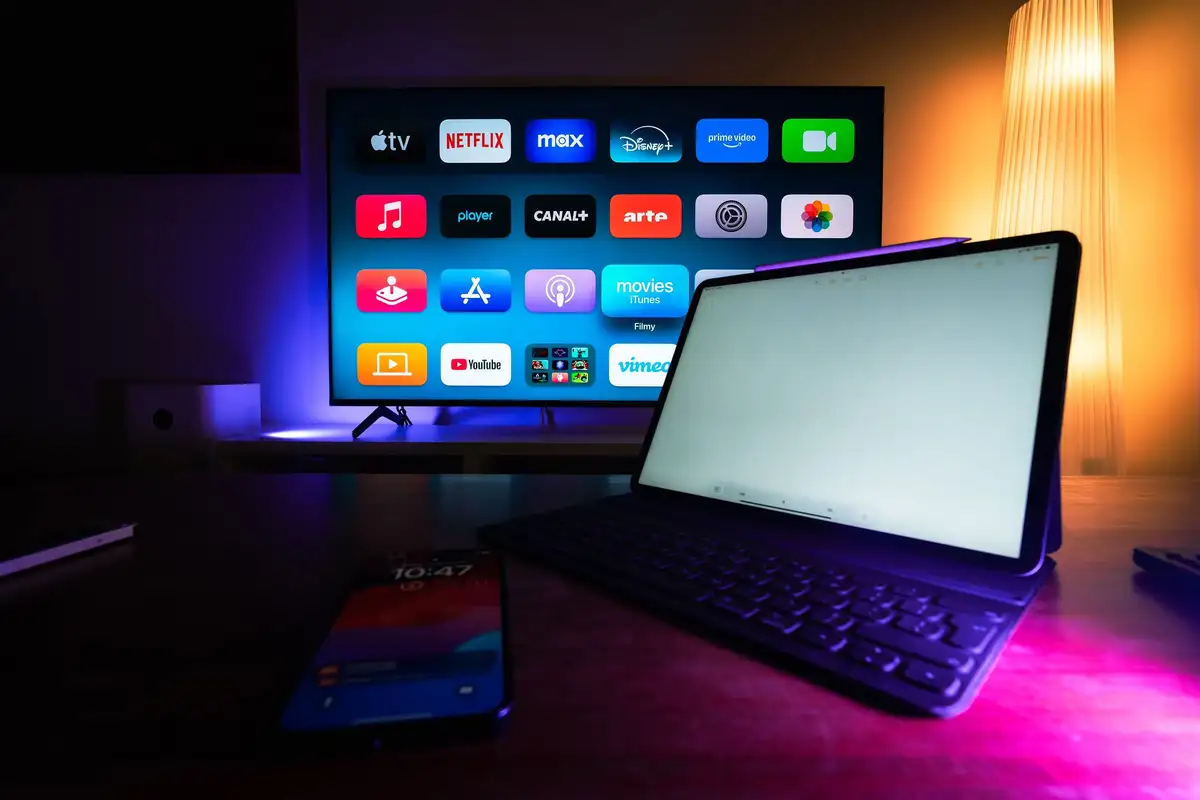
Smart TV and tablet displaying streaming apps on a modern home media console, representing the process of installing and browsing IPTV applications on Apple TV

istb is widely regarded as the best iptv app for apple tv in 2026. it supports xtream codes api and m3u playlist urls, includes full epg integration with catch-up tv support, and offers a modern interface designed specifically for the siri remote. the standout feature of istb is its picture-in-picture mode, which allows you to watch a live channel in a floating window while browsing the guide or switching apps. this is the closest you can get to multi-screen functionality on tvos. istb also supports multiple playlists, so you can load your flash 4k iptv subscription alongside other sources and switch between them seamlessly.

iplaytv is the second major contender and excels in playlist management and parental controls. it supports unlimited playlist imports, each with its own epg source, and includes a powerful search engine that scans across all loaded playlists simultaneously. iplaytv's parental control system allows you to lock specific channels, set pin-protected access for adult content, and create user profiles with restricted channel access — making it the best choice for family households. the app supports variable playback speed (0.5x to 2x), timeshift, and catch-up tv on supported channels.

Cozy living room with a flat screen television turned on, representing the family-friendly streaming experience with iPlayTV's parental controls and channel management features on Apple TV

gse smart iptv is the veteran of the tvos iptv app scene and remains a reliable choice. it supports xtream codes, m3u, and even local playlist files loaded via itunes file sharing. gse offers chromecast and airplay support for sending streams to other devices, and its remote control functionality lets you control playback from your iphone. the interface is more utilitarian than istb or iplaytv, but the app is extremely stable and has been updated consistently for years. for users who prioritize reliability over visual polish, gse is a solid choice.
Modern desk setup with a flat screen display and audio equipment, reflecting the reliable and stable media player environment of GSE SMART IPTV on Apple TV

iptv smarters pro is available on tvos and offers a familiar interface that mirrors its android and ios counterparts. it supports xtream codes api login, which is the recommended connection method for flash 4k iptv as it auto-configures the channel list, epg, and vod sections. the tvos version includes all core features — live tv, vod library, tv series, catch-up, and epg — but lacks the advanced recording features of the android version since tvos does not support local storage. for users who already use iptv smarters pro on other devices, the tvos version provides consistency across platforms.
Wall-mounted television displaying a streaming service interface in a modern living room with natural light, illustrating the IPTV Smarters Pro polished viewing experience on Apple TV

istb — best overall

  • Picture-in-picture mode
  • Xtream Codes API + M3U support
  • Multiple playlist management
  • Catch-up TV with timeshift
  • Modern tvOS-native interface
  • EPG with search and filtering

iplaytv — best for families

  • Unlimited playlist imports
  • Channel-level parental PIN locks
  • Cross-playlist search engine
  • User profiles with restricted access
  • Variable playback speed (0.5–2x)
  • Timeshift and catch-up support

gse smart iptv — most reliable

  • Xtream Codes, M3U, local playlist
  • AirPlay and Chromecast output
  • iPhone remote control feature
  • iTunes file sharing for playlists
  • Longest track record on tvOS
  • Extremely stable playback engine

iptv smarters pro — familiar ui

  • Xtream Codes API auto-configuration
  • Live TV, VOD, and Series sections
  • Cross-platform consistency
  • Catch-up TV with EPG
  • Built-in media player
  • Parental content controls

for most users, we recommend starting with istb for its picture-in-picture capability and modern interface. if you need parental controls or have multiple family members with different viewing preferences, iplaytv is the better choice. both apps are available on the tvos app store and offer free trials or low-cost one-time purchases — no subscriptions required beyond your flash 4k iptv plan. for a broader comparison of iptv players across all platforms, see our best iptv players 2026 guide.

Wall-mounted television turned on displaying a streaming interface, representing IPTV apps available on Apple TV tvOS platform

4. setting up flash 4k iptv on apple tv

setting up your flash 4k iptv subscription on apple tv is a straightforward process regardless of which app you choose. the recommended connection method is xtream codes api, which authenticates your account directly and automatically configures your channel list, electronic program guide, vod library, and tv series sections. this section walks through the setup process for the three most popular tvos apps.

istb setup walkthrough

  1. Download and Install iSTB: Open the tvOS App Store on your Apple TV, search for "iSTB", and install the app. It is a paid app with a one-time purchase — no subscription fees. Launch the app after installation completes.
  2. Choose Connection Method: On the welcome screen, select "Xtream Codes API" as your connection method. This is the preferred method for Flash 4K IPTV. If you prefer to use an M3U URL, select "M3U URL" instead.
  3. Enter Your Credentials: For Xtream Codes API, enter the server URL, username, and port number provided in your Flash 4K IPTV welcome email. These credentials are unique to your subscription. Double-check each field for typos — authentication failures are almost always caused by incorrect server URLs.
  4. Configure EPG: After authentication, iSTB will prompt you to configure the EPG source. Select "Auto-Load EPG" to fetch the program guide automatically. This step downloads guide data for all available channels and may take 30–60 seconds on the first load.
  5. Set Video Preferences: Go to iSTB Settings -> Player and enable "Match Frame Rate" to sync the Apple TV's output to the stream's native frame rate. Enable "Hardware Decoding" for best performance. Set the buffer size to "Medium" (3–5 seconds) for a balance between zapping speed and stability.
  6. Test Playback: Navigate to any live channel and press the touch surface on the Siri Remote to select it. The stream should start within 2–5 seconds. Use the touch surface swipe to change channels or open the EPG. If the stream does not load, verify your internet connection and check that your Flash 4K IPTV subscription is active.

iplaytv setup walkthrough

  1. Install and Launch iPlayTV: Download iPlayTV from the tvOS App Store. It offers a free trial period before requiring a one-time purchase. Launch the app and accept the initial permissions for network access.
  2. Add Your Playlist: Tap the "+" icon in the playlist management screen. Select "Xtream Codes API" as the playlist type. Enter your Flash 4K IPTV server URL, username, and password. Tap "Connect" to authenticate.
  3. Load EPG Data: After the playlist loads successfully, iPlayTV will automatically detect the EPG source from your Flash 4K IPTV subscription. If it does not load automatically, go to Settings -> EPG and tap "Update EPG Now". The guide data will populate within one minute.
  4. Configure Channel Groups: iPlayTV imports your Flash 4K IPTV channel categories as groups. You can rename, reorder, or hide groups from the Groups management screen. This is useful for creating a streamlined channel list that shows only the categories you watch.
  5. Set Parental Controls (Optional): Go to Settings -> Parental Control and enable PIN lock. You can apply restrictions to specific channels or entire groups. This is covered in detail in our parental controls guide.

after completing the setup in either app, you will have full access to your flash 4k iptv subscription on apple tv — hundreds of live channels in hd and 4k, a complete vod library, tv series on demand, and catch-up tv for supported channels. the epg will display current and upcoming programming, and you can browse by category, search by channel name or program title, and set favorite channels for quick access. for a complete walkthrough from scratch, read our ultimate iptv setup guide 2026.

5. sideloading iptv apps on apple tv

while the tvos app store offers excellent iptv apps, there are scenarios where you might want to sideload an application that is not available in your region or an advanced build with features not present in the app store version. apple does not allow sideloading as freely as android does, but there is a legitimate method using apple's developer program. a free apple developer account allows you to sideload apps that self-sign and remain valid for 7 days before requiring re-signing. a paid developer account ($99 per year) extends this to 365 days.

the most common sideloading method for apple tv is using xcode on a mac. you need a mac running the latest version of xcode, a usb-c to usb-a cable (for 2nd generation apple tv 4k with usb-c service port) or a network connection (for 3rd generation apple tv which has no service port). the process involves downloading the .ipa file of the app you want to sideload, opening it in xcode, connecting your apple tv to your mac, and deploying the app to the device. for 3rd generation apple tv, you must enable "network debug" in xcode and ensure both devices are on the same network.

an alternative to xcode is altstore, which allows you to sideload .ipa files without a mac once the initial setup is complete. altstore requires a windows or mac computer to act as a server, and it automatically re-signs sideloaded apps before the 7-day certificate expires, preventing the apps from crashing. altstore supports both iphone/ipad and apple tv sideloading, though the apple tv setup requires the altstore server to be running on the same network. this is the most convenient option for users who want to maintain sideloaded apps without manual weekly re-signing.

important: sideloading requires an apple developer account (free or paid). the free account limits you to 3 sideloaded apps at a time and requires weekly re-signing. the paid account supports unlimited apps with annual re-signing. register at developer.apple.com to get started. sideloaded apps do not receive automatic updates — you must manually update them by re-sideloading newer versions.

not every user needs to sideload. the apps available on the tvos app store — istb, iplaytv, gse smart iptv, and iptv smarters pro — cover the vast majority of iptv use cases. sideloading is primarily useful if you need an app that is geo-restricted in your region, or if you want to use a specialized player that is distributed only as an .ipa file. for most flash 4k iptv users, the app store options are more than sufficient. if you are new to iptv and unsure which setup approach to take, our beginner's guide to iptv provides a clear overview of the fundamentals.

Apple TV screen displaying Netflix streaming interface, demonstrating the content available through IPTV streaming services on tvOS

6. using airplay and screen mirroring with iptv

airplay is one of the most powerful features of the apple ecosystem, and it offers a flexible workaround for iptv scenarios where a native tvos app is not the ideal solution. if you have a favorite iptv app on your iphone or ipad that does not have a tvos version, or if you want to use your ios device as a streaming bridge to your television, airplay provides a seamless pathway from your mobile screen to your apple tv.

the simplest airplay method is airplay video streaming, which sends the video stream from your ios iptv app directly to apple tv without mirroring the entire device screen. this approach uses less bandwidth than screen mirroring and allows you to use your iphone or ipad for other tasks while the video plays on the television. to use it, open your iptv app on ios, start playing a channel, tap the airplay icon (a rectangle with an arrow pointing into it), and select your apple tv from the device list. the stream will transfer to the television within seconds, and your ios device will show playback controls.

screen mirroring is the alternative approach, which duplicates your ios device's entire display on the apple tv. this is useful when the iptv app does not support direct airplay video output, or when you want to use the app's interface — such as the epg or channel browser — on the big screen. to activate screen mirroring, open control center on your iphone or ipad, tap the screen mirroring icon, and select your apple tv. the device screen will appear on the television in real time. note that screen mirroring consumes more network bandwidth and may introduce latency, so it is best suited for vod content rather than fast-paced live sports.

Smart home devices and mobile phone integration showing how AirPlay streams IPTV content from an iPhone to an Apple TV wirelessly

airplay optimization tips for iptv

  • Use a 5 GHz or 6 GHz Wi-Fi network: AirPlay performs best on the 5 GHz band, which offers higher throughput and lower interference than the overcrowded 2.4 GHz band. Apple TV 4K (3rd gen) supports Wi-Fi 6E (6 GHz) for even better AirPlay performance in compatible network environments.
  • Keep devices close to the router: AirPlay quality degrades with distance and physical obstructions. If possible, position your Apple TV, iPhone, and router within the same room for the strongest signal.
  • Disable Low Power Mode on iOS: Low Power Mode can throttle network performance and introduce buffering during AirPlay streaming. Keep it disabled while streaming IPTV via AirPlay.
  • Close background apps on iOS: Other apps consuming network bandwidth or processing resources can cause AirPlay stuttering. Close unnecessary apps before starting the stream.
  • Use AirPlay 2 compatible devices: Both your Apple TV and iOS device must support AirPlay 2 for the best streaming quality. Apple TV 4K (all generations) and iPhone 8 or later support AirPlay 2.

airplay is not a replacement for a native tvos iptv app — it introduces additional latency, depends on network conditions, and ties up your ios device during playback. however, it is an excellent supplementary method for accessing apps that are not available on tvos, sharing a stream with someone in the same room, or quickly testing a channel before setting up a full native configuration. for multi-device strategies that include airplay alongside direct streaming, our multi-device iptv setup guide provides comprehensive coverage.

7. network optimization for iptv on apple tv

apple tv 4k is equipped with excellent networking hardware — gigabit ethernet on all models, and wi-fi 6 on the 2nd generation or wi-fi 6e on the 3rd generation. however, hardware capability alone does not guarantee a smooth iptv experience. the network configuration — how your home network routes traffic to and from the apple tv — plays a decisive role in stream stability, channel zapping speed, and overall playback quality.

the single most impactful change you can make is to use a wired ethernet connection. while apple tv's wi-fi performance is among the best in the streaming device market, ethernet eliminates variables that affect live streaming: radio frequency interference from neighboring networks, signal attenuation through walls, and bandwidth contention with other wi-fi devices. connect a cat6 ethernet cable from your router or network switch directly to the apple tv's gigabit ethernet port. this guarantees full bandwidth availability, consistent sub-millisecond latency, and zero packet loss from signal interference.

if a wired connection is not feasible, ensure your apple tv is connected to the 5 ghz or 6 ghz band of your wi-fi network. tvos does not expose a setting to force a specific band, but you can configure your router to broadcast separate ssids for each band (e.g., "MyNetwork-2.4" and "MyNetwork-5"). connect the apple tv exclusively to the 5 ghz or 6 ghz ssid. the 2.4 ghz band is congested with non-streaming devices — iot sensors, smart speakers, and neighboring networks — making it unsuitable for high-bandwidth iptv streaming.

quality of service (qos) configuration on your router can significantly improve iptv performance on apple tv. create a qos rule that prioritizes traffic from your apple tv's mac address or ip address. this ensures that when other household devices are streaming, gaming, or downloading large files, your iptv stream maintains priority access to available bandwidth. on most modern routers, you can find qos settings under the advanced network configuration section. assign the apple tv the highest priority level.

dns configuration also affects iptv performance. your internet service provider's default dns servers are often slow or congested, which increases channel switching time and can cause connection timeouts. on apple tv, navigate to Settings -> Network -> [Your Connection] -> Configure DNS and switch from Automatic to Manual. Enter 1.1.1.1 (cloudflare) or 8.8.8.8 (google) as the primary dns server, and 1.0.0.1 or 8.8.4.4 as the secondary. this change takes effect immediately and can reduce channel zapping time by 200–500 milliseconds.

apple tv network best practice: configure the apple tv as a "reserved ip" or "dhcp reservation" in your router settings. this ensures the device always receives the same ip address, which is essential for reliable QoS rules and port forwarding. it also prevents connection drops that can occur when the dhcp lease renews and the ip address changes mid-stream.

for advanced users, consider setting up a vpn with split tunneling on your router. while a vpn is recommended for general privacy, routing iptv traffic through a vpn server adds latency. split tunneling allows your apple tv's iptv traffic to travel directly to the flash 4k iptv servers while routing all other traffic through the encrypted vpn tunnel. this requires a router that supports split tunneling configuration. for more network troubleshooting strategies, see our guide to stopping iptv lag.

Ethernet cables plugged into a network switch showing the wired network connection recommended for optimal Apple TV IPTV streaming performance

8. siri remote navigation tips for iptv

the siri remote is one of the most distinctive aspects of the apple tv experience, and it takes some adjustment for users coming from traditional remote controls or android tv remotes. the touch surface on the upper half of the remote serves as a trackpad for navigation, while the physical buttons provide traditional controls. mastering the siri remote's interaction patterns significantly improves your iptv experience.

for channel navigation, the touch surface is your primary tool. a single tap on the left side of the touch surface opens the epg in most iptv apps. swiping up or down scrolls through the channel list. swiping left or right moves through time in the epg. pressing the touch surface (click) selects the highlighted channel or program. the key difference from a traditional remote is that you do not need to press physical buttons for navigation — the touch surface handles all directional input with subtle haptic feedback.

the siri voice button (the microphone icon on the side of the remote) is surprisingly useful for iptv. instead of scrolling through hundreds of channels, press and hold the siri button and say "show me sports channels" or "find bbc one". siri will open the search results directly. you can also say "open istb" or "open iplaytv" to launch your iptv app instantly. this voice navigation is especially valuable when using iptv apps that have extensive channel lists — voice search eliminates the need for manual scrolling entirely.

Siri Remote control device showing the touch surface navigation interface used for IPTV channel browsing and content control on Apple TV

essential remote gestures

  • Tap left: Open EPG / guide view
  • Swipe up/down: Scroll channels in guide
  • Swipe left/right: Move through time in EPG
  • Click (press) surface: Select / play channel
  • Double-tap surface: Show multitasking switcher
  • Press and hold TV button: Open control center

iptv-specific shortcuts

  • Press Play/Pause: Toggle playback / catch-up controls
  • Swipe down while watching: Show info panel (channel name, program details)
  • Press and hold Siri: "Open iSTB" or "Find sports channels"
  • Double-click TV button: Switch between recent apps quickly
  • Click touch surface center: Play/pause current stream
  • Swipe from edge: Access app-specific menus (varies by app)

one common frustration with the siri remote is accidental touch surface contact when picking up the remote. tvos includes a setting to adjust the touch surface sensitivity. go to Settings -> Remotes and Devices -> Click Surface to change the tracking speed. setting it to "Slow" reduces accidental inputs. you can also enable "Touch Surface" to require a click for all selections, disabling the tap-to-select behavior that causes unintended channel changes.

9. common apple tv iptv issues and fixes

even with the best configuration, you may encounter issues specific to the apple tv platform. the closed nature of tvos means some problems require different troubleshooting approaches compared to android tv devices. this section covers the most common apple tv iptv issues and their solutions.

stream stutters or freezes every 30–60 seconds

this is typically caused by the apple tv's "match content" feature and hdmi handshake issues. when match content is enabled, tvos switches the display refresh rate to match the stream's frame rate. some tvs take 1–3 seconds to re-sync, causing a brief freeze. to fix this, go to Settings -> Video and Audio -> Match Content and disable "Match Frame Rate" for iptv apps. this keeps the display locked at a fixed refresh rate, eliminating handshake pauses. the trade-off is that 50 fps pal content plays at 60 hz, introducing a slight judder — but for most viewers, this is preferable to freezing.

airplay stream drops after a few minutes

this is often a wi-fi stability issue. ensure both your ios device and apple tv are on the same network band (preferably 5 ghz). if the problem persists, restart both devices and your router. also check that your ios device is not in low power mode, which throttles network performance. if airplay continues to drop, use screen mirroring instead of direct airplay streaming — mirroring uses a more stable connection protocol.

app crashes when loading epg data

epg data files can be large — sometimes exceeding 50 mb for a full channel list. if your iptv app crashes during epg loading, the app may be running out of memory. force-close the app by double-clicking the tv button and swiping up on the app card, then relaunch. if the problem recurs, reduce the epg data by loading only the channel categories you actually watch. in istb, go to Settings -> EPG and select "Filter EPG by Favorites" to load guide data only for your favorite channels.

"this app is not available in your region" on app store

some iptv apps are geo-restricted to specific app store regions. to access them, you need to create or switch to an apple id registered in a region where the app is available (such as the uk, us, or canada). go to Settings -> Users and Accounts -> [Your Account] -> Apple ID and sign in with an account from the supported region. you do not need to change your region permanently — switch back after downloading the app. alternatively, sideload the app using the method described in section 5 of this guide.

no audio on certain channels

this is usually an audio codec compatibility issue. some iptv streams use audio formats that tvos does not support natively, such as ac-4 or certain dolby digital plus variants. in your iptv app's audio settings, try switching the audio output mode to "Stereo" or "PCM" instead of "Passthrough" or "Auto". this forces the app to decode the audio before sending it to the apple tv, ensuring compatibility. if the issue is channel-specific, the broadcaster may be using a non-standard audio codec that is not widely supported.

if you encounter persistent issues that these solutions do not resolve, verify that your flash 4k iptv subscription is active and that there are no service outages. test the same channel on another device — such as your iphone or a computer — to isolate whether the issue is specific to your apple tv. for buffering and network issues, our comprehensive guide to stopping iptv buffering provides additional troubleshooting steps.

frequently asked questions (faq)

can i use flash 4k iptv on apple tv 4k?

Yes, Flash 4K IPTV works on Apple TV 4K through compatible tvOS apps like iSTB, iPlayTV, and IPTV Smarters Pro. You can set up your subscription using the Xtream Codes API or M3U playlist URL. The Apple TV 4K hardware is excellent for IPTV thanks to its powerful A-series chip and HEVC hardware decoding, which delivers smooth 4K HDR playback with minimal power consumption. All Apple TV 4K models — including the 1st, 2nd, and 3rd generation — support IPTV streaming.

what is the best iptv app for apple tv?

iSTB and iPlayTV are widely considered the best IPTV apps for tvOS in 2026. Both support Xtream Codes API, M3U playlists, EPG integration, catch-up TV, and smooth 4K playback. iSTB offers a modern interface with picture-in-picture support, making it the top recommendation for most users. iPlayTV provides robust parental controls and unlimited playlist support, making it ideal for family households. GSE SMART IPTV remains a reliable veteran choice with the longest track record on the platform.

do i need to jailbreak my apple tv for iptv?

No, you do not need to jailbreak your Apple TV to use IPTV. Most IPTV apps are available directly on the tvOS App Store — no jailbreak or modification required. Some third-party apps may need to be sideloaded using a free Apple Developer account and Xcode, but this is entirely optional. The mainstream apps available on the App Store (iSTB, iPlayTV, GSE SMART IPTV, IPTV Smarters Pro) cover all essential features including live TV, VOD, EPG, and catch-up.

can i use airplay to stream iptv from iphone to apple tv?

Yes, you can use AirPlay to stream IPTV from your iPhone or iPad to Apple TV. Simply open your IPTV app on iOS, start playing a channel, and tap the AirPlay icon to send the stream to Apple TV. This is a great workaround for accessing apps that do not have a native tvOS version. You can also use screen mirroring to duplicate your iOS device's display on the television, though this consumes more bandwidth and may introduce slight latency.

does apple tv support multi-screen for iptv?

Native multi-screen support on tvOS is limited compared to Android TV. Most tvOS IPTV apps do not offer multi-view mode with multiple simultaneous streams. However, iSTB includes a picture-in-picture feature that lets you watch one channel in a floating window while browsing the guide. For true multi-screen IPTV with up to four simultaneous streams, Android TV devices running TiviMate remain the better choice. Apple TV is best suited for single-stream viewing with occasional PiP.

what internet speed do i need for iptv on apple tv?

For buffer-free IPTV on Apple TV, we recommend at least 25 Mbps for HD streams and 50 Mbps for 4K content. Apple TV 4K models with Gigabit Ethernet provide the most stable connection. We strongly recommend using a wired Ethernet connection rather than Wi-Fi for the most reliable IPTV experience. If Wi-Fi is the only option, ensure your Apple TV is connected to the 5 GHz or 6 GHz band for optimal performance. Test your connection speed at Speedtest by Ookla to verify your bandwidth.

can i record iptv on apple tv?

Local DVR recording is not possible on Apple TV because tvOS does not support external USB storage. However, you can use cloud recording if your IPTV player supports it, or record to a network-attached storage (NAS) device if your app supports network recording targets. IPTV Smarters Pro offers cloud DVR on supported subscriptions. Alternatively, use the catch-up TV feature available on many Flash 4K IPTV channels to watch past programs without recording. For full local DVR capability, an Android TV device is recommended.

how do i fix buffering on apple tv iptv?

Start by switching from Wi-Fi to a wired Ethernet connection — this eliminates 90 percent of buffering issues. Next, configure a reserved IP address and QoS rules on your router to prioritize Apple TV traffic. Switch your DNS to Cloudflare (1.1.1.1) or Google (8.8.8.8) in the Apple TV network settings. In your IPTV app, set the buffer size to "Large" (10+ seconds) if your connection is prone to fluctuations. For persistent buffering, our complete buffering guide covers advanced diagnostics.

Happy couple watching television together on a comfortable sofa in a cozy living room, showcasing the final optimized Apple TV IPTV streaming setup experience

conclusion

the apple tv 4k is a powerful and polished platform for iptv streaming when configured correctly. its a15 bionic processor delivers exceptional video decoding, the tvos interface provides a fluid user experience, and the deep integration with the apple ecosystem — especially airplay — offers flexibility that no android box can match. while it has limitations compared to android tv — no local usb storage for dvr, limited multi-screen support, and a smaller app selection — these are trade-offs that many users happily accept for the superior build quality, video processing, and ecosystem benefits. with the right app (istb or iplaytv), a wired ethernet connection, and proper dns configuration, your apple tv becomes an outstanding iptv client for flash 4k iptv. for a complete end-to-end setup guide, read our ultimate iptv setup guide 2026, and for network optimization strategies, explore our network guide to eliminating iptv lag.

further reading

GOT QUESTIONS?

Flash 4K IPTV is a premium IPTV streaming service offering live TV channels, sports, movies, series, and 4K entertainment content worldwide.
Flash 4K IPTV supports Smart TVs, Samsung TV, LG TV, Android TV, Firestick, Apple TV, Android Boxes, Smartphones, Tablets, and PC.
Activation is almost instant. Most customers receive their Flash 4K IPTV access details within 15 to 30 minutes after payment.
Yes. Flash 4K IPTV is available worldwide and works anywhere with a stable internet connection.
We recommend at least 12 Mbps for HD streaming and 25 Mbps or more for smooth 4K streaming.
You can install Flash 4K IPTV on multiple devices, but simultaneous viewing depends on your subscription plan.